Generate xBOM via Container Image Scan
Use the accuknox/container-scan-action GitHub Action to scan container images for vulnerabilities and generate SBOMs on every push or pull request.
Prerequisites:
- AccuKnox project and labels created — see Common Prerequisites
- GitHub repository with a
Dockerfile -
GitHub Secrets configured:
Secret Description ACCUKNOX_TOKENAccuKnox API token ACCUKNOX_LABELAccuKnox label ACCUKNOX_ENDPOINTAccuKnox endpoint, e.g. cspm.accuknox.com
Setup
-
In AccuKnox UI, navigate to SBOM > Projects and verify your project exists (see Common Prerequisites). The project name must exactly match the
project_namevalue in your workflow file.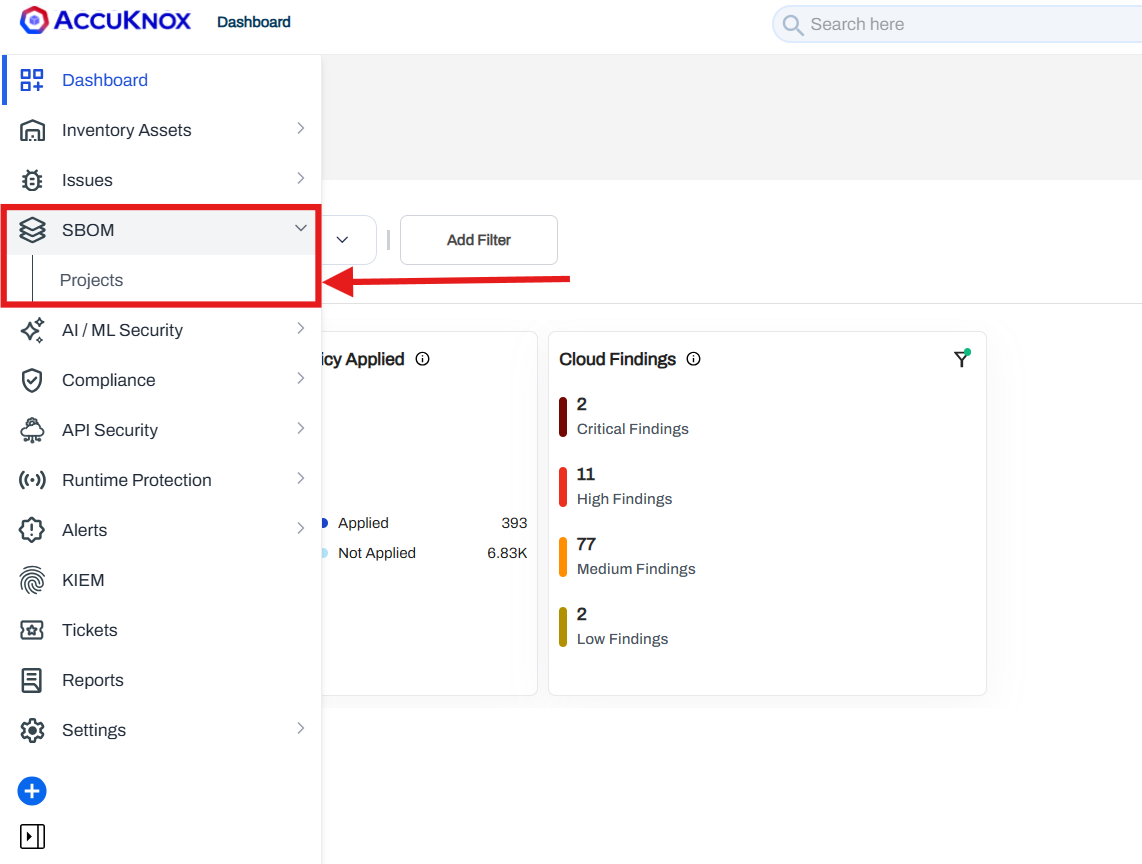
-
In your GitHub repository, create
.github/workflows/containerscan.yml:
name: AccuKnox Container Scan Workflow

on:
  push:
    branches:
      - main
  pull_request:
    branches:
      - main

jobs:
  Container-scan:
    runs-on: ubuntu-latest
    steps:
      - name: Checkout repository
        uses: actions/checkout@v4.0.0
      - name: Run AccuKnox Container Scanner
        uses: accuknox/container-scan-action@latest
        with:
          accuknox_token: ${{ secrets.ACCUKNOX_TOKEN }}
          accuknox_label: ${{ secrets.ACCUKNOX_LABEL }}
          accuknox_endpoint: ${{ secrets.ACCUKNOX_ENDPOINT }}
          image_name: "test-nginx"
          tag: "latest"
          severity: "UNKNOWN,LOW,MEDIUM,HIGH,CRITICAL"
          soft_fail: true
          upload_results: true
          generate_sbom: true
          dockerfile_context: Dockerfile
          project_name: "Project Test"
-
Push changes or open a pull request to trigger the workflow.
-
Review results:
- Findings > Issues Page for container image vulnerabilities.
- SBOM > Projects > [Your Project Name] for SBOM results and comparisons.
Sample repository
Fork containers/image to test this workflow with a real container image.